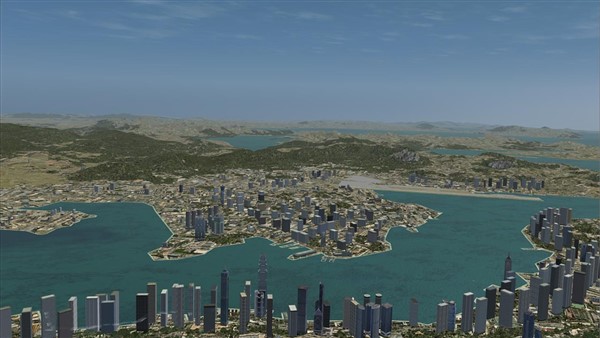
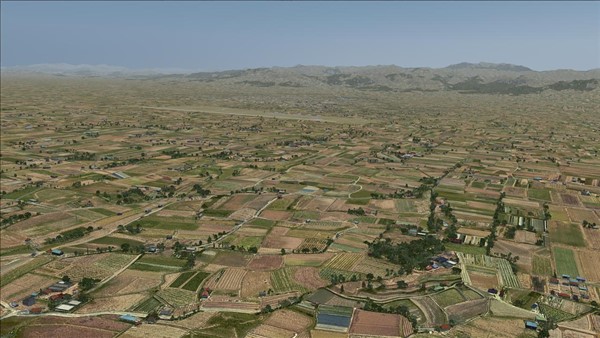
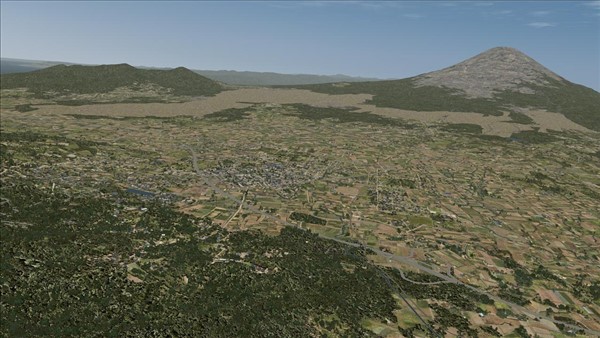
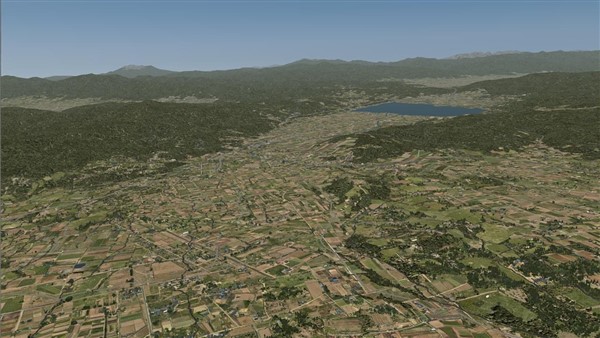
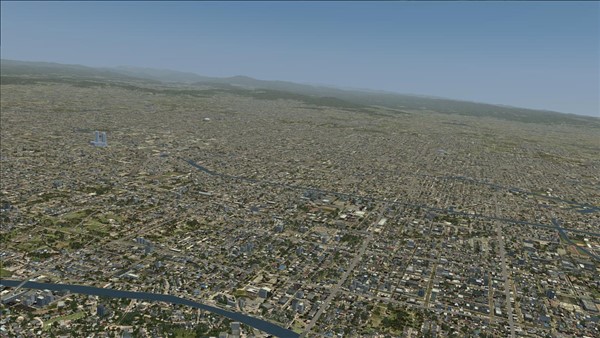
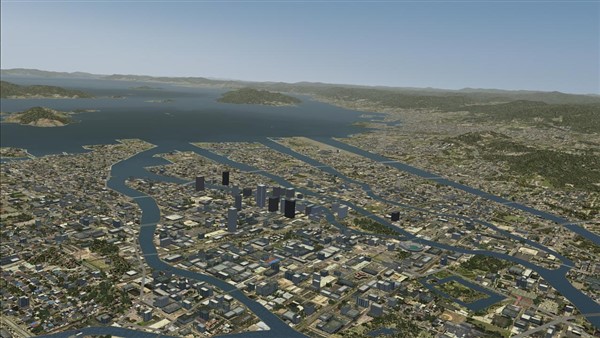
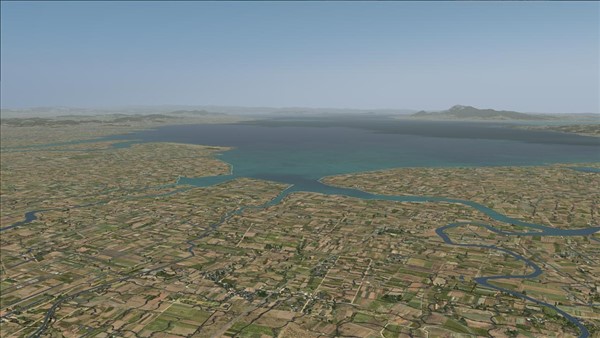
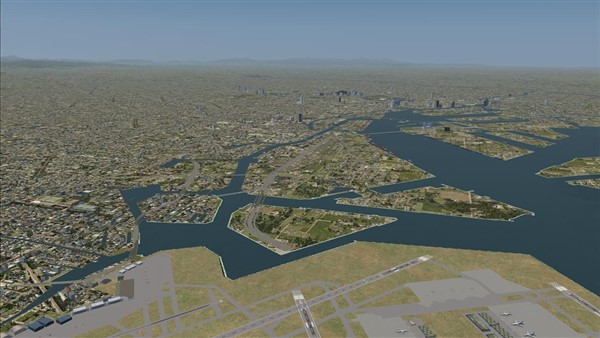
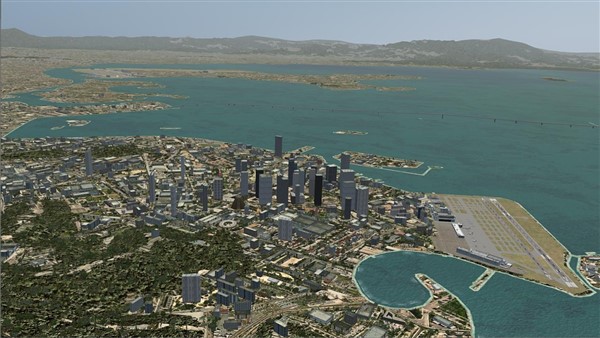
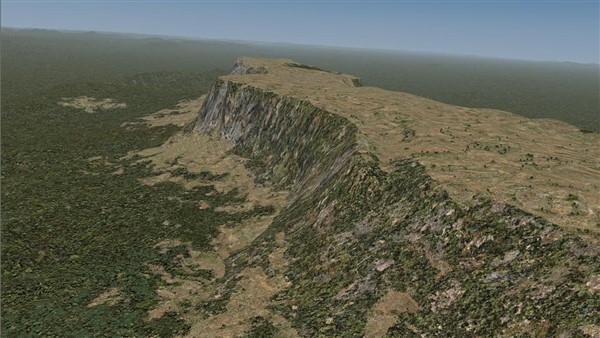

Ground Environment X Asia and South America builds on the award winning techniques of the GEX series
$29.95 $19.95
This product is available in the Flight1 Agent. Click here to read more...
Ground Environment X Asia and South America
Please note that this FSX product is no longer in development and product support is limited.
Flight One Software is proud to present Ground Environment X Asia and South America for Microsoft Flight Simulator X and Flight Simulator X: Steam Edition.
Ground Environment X Asia and South America builds on the award winning techniques of the GEX series and continues using our new approach in texture design, incorporating high level detail graphics in the default Flight Simulator X 1-meter texture resolution format. This delivers a hi-fidelity image without using excessive disk space or processor power. Our design allows a simulation pilot to enjoy clearly defined visuals from nearly ground level up to higher altitudes.
Ground Environment X brings all-new ground textures to FSX, and it boasts an incredible 1 m/pixel texture resolution, using native 1024x1024 pixel images, and includes all seasons, meticulously designed night textures and the latest techniques in autogen placement and alignment. All this while keeping maximum Flight Simulator performance in mind during development.
The easy-to-use interface will provide for easy installing the new textures, and is designed with Flight1\'s ""keep-it-simple yet powerful"" philosophy.
ITS ALL AUTOMATIC NOW!
Product Features
"GEX WORLD" single interface control for all GEX regions:
Facebook Photo Album
View additional screenshots of this great add-on via our Facebook Photo Album
GEX Asia and South America Facebook Photo Album
PATCH FOR FSX "STEAM ONLY" SYSTEMS
This patch is ONLY for the following older GEX product versions:
GEX NORTH AMERICA v1.096 through v1.099
GEX EUROPE v2.30
GEX AFRICA AND THE MIDDLE EAST v1.20
GEX ATLANTIC AND PACIFIC TROPICS v1.10
GEX ASIA AND SOUTH AMERICA v1.00
The latest full GEX region installers already contain full FSX Steam Edition support. The regions listed above do not.
If you are a GEX customer and you have removed the Microsoft version of Flight Simulator X from your computer but now wish to use a older GEX region product with the FSX Steam Edition version, download and run this patch then follow the directions to launch your GEX interface, enable your GEX regions in FSX Steam Edition and then \'check for updates\'. This patch will enable the region versions listed above to fully function in FSX Steam Edition without a Microsoft FSX \'box\' version installed and allow you to update your regions to the latest version of GEX.
Download the patch, run the patch, follow the directions.
System Requirements / FS Version Compatibility
Microsoft Flight Simulator
X
Microsoft Flight Simulator X: Steam Edition
Windows XP / Vista / 7 / 8 / 10
5 GB Hard Disk Space


